
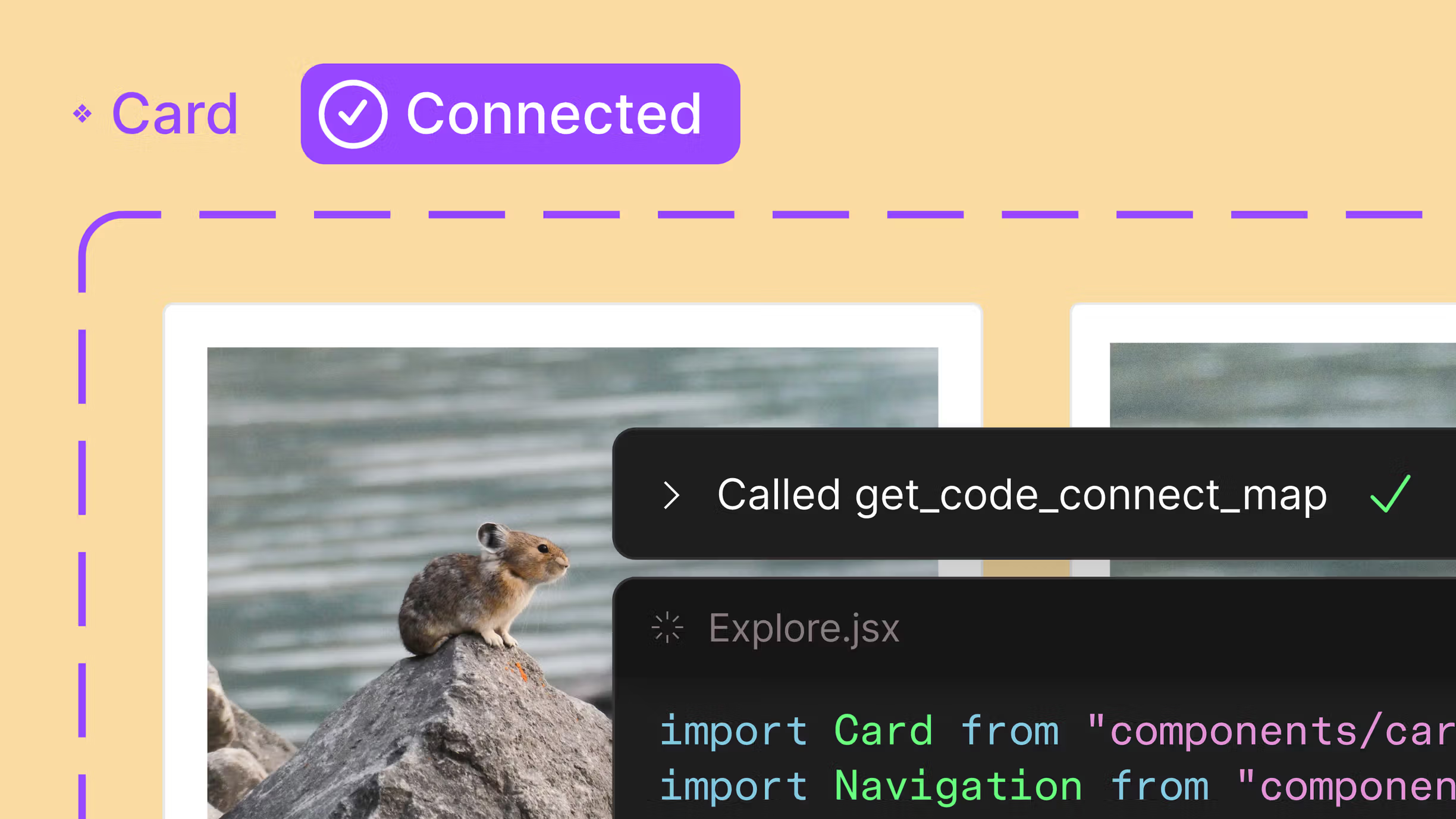
App design and development has always looked a bit like this: designers hand off mockups. Developers ask questions. Back-and-forth happens. A confused state here, wrong spacing there. More back-and-forth. Delays follow.
At Harmony IT, we’ve spent years perfecting the journey from a spark of an idea to a fully functional application. The bottleneck was rarely the code itself, more often it's the clarity between design intent and development execution.
So we asked: what if designers and developers worked together during design, not after? That simple question changed how we use Figma. It's the tool we work in before anyone opens OutSystems. We have designers and developers in the same Figma files from day one. Developers see exactly what designers intended, in real time, with Dev Mode enabled. The result? We catch misunderstandings early. We reduce back-and-forth. We ship faster and with fewer bugs.
Figma’s Three Competitive Advantages
- Real-Time collaboration
Unlike Sketch or Adobe XD, Figma is browser-native. This means stakeholders join with zero setup: no downloads, no plugins, no wait times. For organisations with distributed teams, this is transformational. We’ve seen design review cycles drop from 5 days to 2 days purely because participation improves.
- Scalable design systems
Our applications require consistency across hundreds of screens. Figma’s design system capabilities (shared components and variable documentation) mean changes propagate instantly. When you update a button style for brand compliance or accessibility standards, doing it once in Figma updates it everywhere. For OutSystems developers, this eliminates guesswork.
- Handoff
Figma’s Dev Mode serves up CSS classes and styling details directly to developers. These styles transfer nearly one-to-one into OutSystems, cutting build time and reducing bugs born from miscommunication. In our projects, Dev Mode reduces handoff friction by roughly 25–30%.
What about AI? Figma Make vs. Figma Design
No idea when you're reading this, but for now the market is genuinely changing. Tools like Framer are investing heavily in prompt-driven UI generation. You can describe what you want, and the tool builds it. Figma’s response is Figma Make, an AI feature that generates interface concepts from descriptions.
This is the era of "vibe coding": working from a clarity of purpose and letting the tool accelerate the first version.
- Figma Make supports exploration: You describe the intent, the AI generates options, and you pick a direction. It’s about capturing the "vibe" and intent without getting bogged down in pixels too early.
- Figma Design supports consolidation: Once the direction is chosen, you refine layouts, apply design system rules, and ensure the precision required for a production-ready OutSystems build.
Together, they bridge the gap. Figma Make accelerates the "vibe," while Figma Design ensures the quality.
Figma reality check?
Here is our honest assessment of why we're sticking with Figma.
Our Stance: continuous evaluation
Safe to say we won't be switching tomorrow, butthat doesn't mean we aren't actively evaluating the competition.
The speed of generative UI is undeniable. In 12–24 months, the conversation might be different. For now, Figma offers the balance we need: solid fundamentals plus emerging AI, without sacrificing the rigour that enterprise applications require.


